Writing Blog Posts With ChatGPT: A Real Workflow That Actually Ranks
Learn how to write blog posts with ChatGPT that actually rank: outlines, prompt stages, fact checks, and how to automate blog posts with ChatGPT and a CMS.

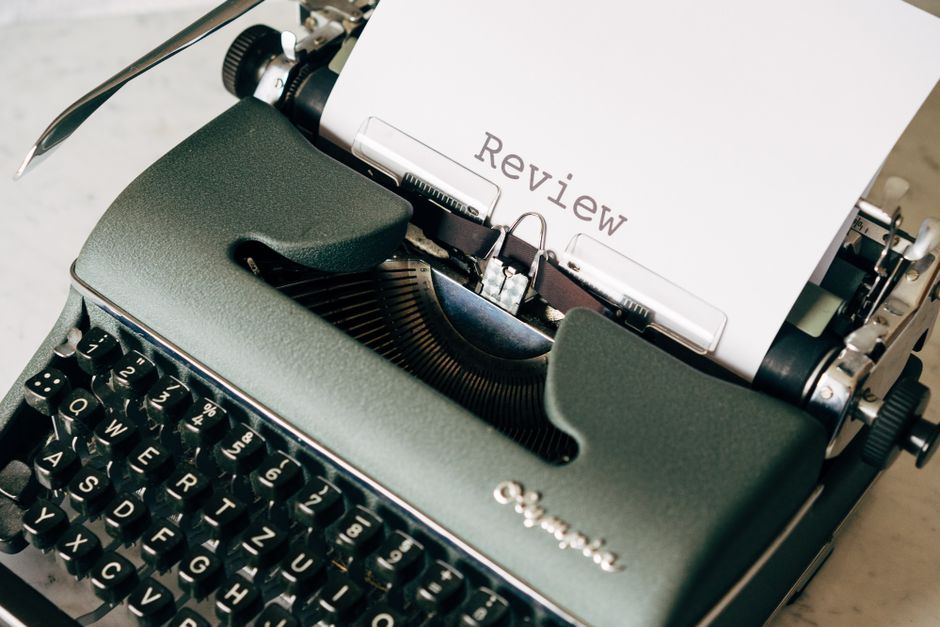
ChatGPT can draft a blog post in the time it takes to make coffee, the same promise behind how AI automation bots cut blog writing time from four hours to 30 minutes, but most of those drafts read like a robot trying to sound human. That gap between fast and good is where most small business blogs die. This post shows you how to write blog posts with ChatGPT that actually rank, actually read well, and actually get published without you babysitting every sentence.
Key Takeaways (the short version)
- ChatGPT is a drafting engine, not an autopilot: you still need a real outline and a real edit pass.
- Feed it specifics (audience, keyword, examples) or you'll get generic filler every time.
- Automating blog posts means chaining tools together, not just pasting a prompt into ChatGPT.
- Always fact check dates, statistics, and claims before you hit publish, AI gets these wrong confidently.
- A repeatable system for drafting blog posts fast saves more time long term than a single clever one-off prompt.
Why ChatGPT alone won't finish the job
ChatGPT alone won't finish the job because it writes convincing sentences, not verified facts, and it has no idea what your audience actually clicks on. It's a first-draft machine, the same role played by an AI content writing assistant that ends writer's block forever. Treat it like one, and it earns its keep. Treat it like a publish button, and it'll embarrass you.
Here's the part nobody wants to hear: fluent isn't the same as true. ChatGPT can generate a statistic, a date, a product claim, all phrased with total confidence, and be flatly wrong. You are the fact-checker. There's no way around that step, and skipping it is how blogs end up publishing corrections.
Voice is the other blind spot. Ask ChatGPT to write about "small business SEO tips" with no context, and you'll get the same beige, could-be-anyone copy that ten thousand other sites already published. It doesn't know your brand's opinions unless you tell it what they are.
And it can't see your analytics. It doesn't know which post on your site got the most traffic last month, which headline flopped, or what your readers actually searched before landing on you. That research and interpretation work is still yours. Structured, staged use of the tool (research prompts, iterative drafting, targeted revision) is what separates a usable workflow from a novelty 1.
How do you actually write a blog post with ChatGPT?
You write a blog post with ChatGPT by starting with a real keyword and intent, building an outline before any full paragraphs, and following a step-by-step framework to write faster instead of asking for a finished post in one shot. Skip the staging and you get mush. Follow it and you get something worth editing.
Start with intent, not a vibe. Don't open ChatGPT and type "write a blog post about email marketing." Start with the actual keyword you're targeting and think about what the searcher wants: a how-to, a comparison, a quick answer. That intent shapes the whole post.
Outline before you draft. Ask for headings and key bullet points first, ideally starting from a blog draft template that kills the blank page for good. Read it. Fix it. Only then ask for full paragraphs, section by section. A weak outline guarantees a weak post, no matter how good the sentence-level writing gets afterward.
Prompt in stages, not one dump.
- Outline pass
- Section-by-section drafting
- Tone pass (match your brand voice, cut the corporate-speak)
- Edit pass (tighten, fact-check, add specifics)
Give it real constraints. Word count, reading level, tone notes, and at least one concrete example the model couldn't invent on its own. Vague prompts produce vague copy. That's not a knock on the tool: it's just how these models work. More specific input produces more usable output 2.
How do you automate your blog beyond just drafting?
You automate your blog by connecting research, writing, formatting, and scheduling into one pipeline — the kind of setup that can cut your content creation time by 70% — not by treating "automation" as a synonym for "typing a prompt into ChatGPT." Drafting is one link in a longer chain, and most people stop at link one.
Start upstream. Instead of asking ChatGPT for one post idea, feed it a batch of keyword research and let it help you build a topic cluster: one pillar post, several supporting posts, all interlinked. That's a meaningfully different (and more repeatable) research process than asking one-off questions 3.
Then build templates for the repetitive stuff. Internal linking patterns, CTA blocks, meta description structure. These are exactly the parts of blogging that eat editing time for no real payoff, and they're the easiest to standardize.
Finally, let scheduling tools do what they're built for. WordPress and Ghost both have native scheduling, and third-party tools — many covered in this complete guide to free AI tools for content writing — can push posts live on a set cadence so you're not manually hitting publish every Tuesday at 9 a.m.
How to automate blog posts with ChatGPT and a CMS
You automate blog posts with ChatGPT and a CMS by using a connector tool like Zapier or Make to pass ChatGPT drafts directly into your WordPress or Ghost drafts folder — similar to n8n WordPress blog automation that drafts, schedules, and publishes on autopilot — then routing every single one through a human before it goes live. The pipeline handles the grunt work. You still hold the veto.
A basic setup looks like this:
- A trigger (new keyword, content calendar entry, or form submission) kicks off the flow.
- ChatGPT generates a draft using a standing prompt template, so every post follows the same structural and tonal rules.
- The draft lands in your CMS as an unpublished draft, never live.
- A human reviews, fact-checks, edits, and schedules.
- You track which automated posts actually rank, then refine the prompt template based on what worked.
That last step matters more than people give it credit for. A prompt template isn't "set it and forget it." It's a living document you tune as you see which structures and hooks actually convert into traffic.
Where automation still needs a human hand
Automation still needs a human hand for fact-checking, adding real expertise, fixing tone drift, and deciding what shouldn't get published at all. These are the jobs a pipeline can't do for you, no matter how good your prompt template gets.
Fact-checking stays non-negotiable. Numbers, dates, claims about specific products or services: verify all of it, every time, no exceptions. This is the single most common way "AI content" turns into "AI liability."
Expertise and opinion are your moat. Anyone can generate a generic post about your topic. What makes yours worth reading is the specific example, the contrarian take, the thing you know because you actually do this work. That's not something to prompt around; it's something to write yourself.
Tone drift is real and it's boring. If every post on your blog sounds like it came from the same chatbot, that's because it did. A human tone pass keeps your blog sounding like you instead of like every other AI tools-transformed blog on the internet.
Not every draft deserves to live. Sometimes the honest call is to kill the post. A weak angle, a thin topic, a draft that adds nothing new: automation will happily generate all of these. You're the one who says no.
Manual vs. semi-automated vs. fully automated: what it actually costs you
The real tradeoff across these three workflows isn't quality versus speed, it's where the risk shows up. Manual writing is slow but safe. Full automation is fast but only as safe as your review step.
| Workflow | Time per post | Where the risk shows up |
|---|---|---|
| Fully manual writing | Several hours to a full day | Slow output, hard to stay consistent week over week |
| ChatGPT-assisted drafting with human edit | 30-60 minutes of active editing time | Requires a solid outline and fact-check step or quality slips |
| Fully automated pipeline (research to publish) | Minutes of setup per post after templates exist | Generic voice and unverified facts if no human reviews before publish |
Notice the pattern. Every workflow has a failure mode. The manual one fails by being too slow to sustain. The automated one fails by shipping confident nonsense if nobody's watching. Pick your risk, then build a process that actually guards against it.
The bottom line
ChatGPT is a genuinely useful tool for writing blog posts faster, but speed without a real editing and fact-checking process just means you're publishing polished-sounding mistakes faster too — the same caution worth applying if you plan to cut your blogging workload by 70% with automated software. Build a repeatable workflow, keep a human in the loop, and automation becomes a force multiplier instead of a liability.
Frequently Asked Questions
Can ChatGPT write an entire blog post from start to finish on its own?
It can generate the words, sure, but a fully hands-off post usually reads generic and risks factual errors. Treat the output as a strong first draft, not a finished article.
Will Google penalize AI-written blog posts?
Google has said it cares about content quality and helpfulness, not whether a human or AI typed it. Thin, unedited AI content tends to underperform because it's low quality, not because it's AI.
What's the difference between using ChatGPT to write and actually automating a blog?
Writing with ChatGPT is one step. Automating your blog means chaining research, drafting, formatting, and publishing together so posts go out on a schedule with minimal manual work.
How much editing does an AI draft usually need?
Expect to rewrite weak transitions, verify every fact and statistic, and add at least one concrete example or opinion the AI couldn't have known. Budget real editing time, not just a skim.
Do I need coding skills to automate blog posts with ChatGPT?
No. Tools like Zapier and Make offer no-code automations that connect ChatGPT to WordPress or Ghost, though some setup time upfront is unavoidable.